
Google Play Store PC
Google Play is Google's digital distribution platform. On Windows, Google offers Play content through the browser and Google Play Games on PC.
52.9 MB
UltraISO is a Windows tool for creating, editing and converting CD/DVD image files and making bootable USB drives; it is paid software with a trial.
Average 0.0 · ratings: 0
Thank you! Your rating is saved; you can change it. Could not save the rating. Please try again later. Too many ratings from your network today. Please try again tomorrow. The average appears after 5 ratings.
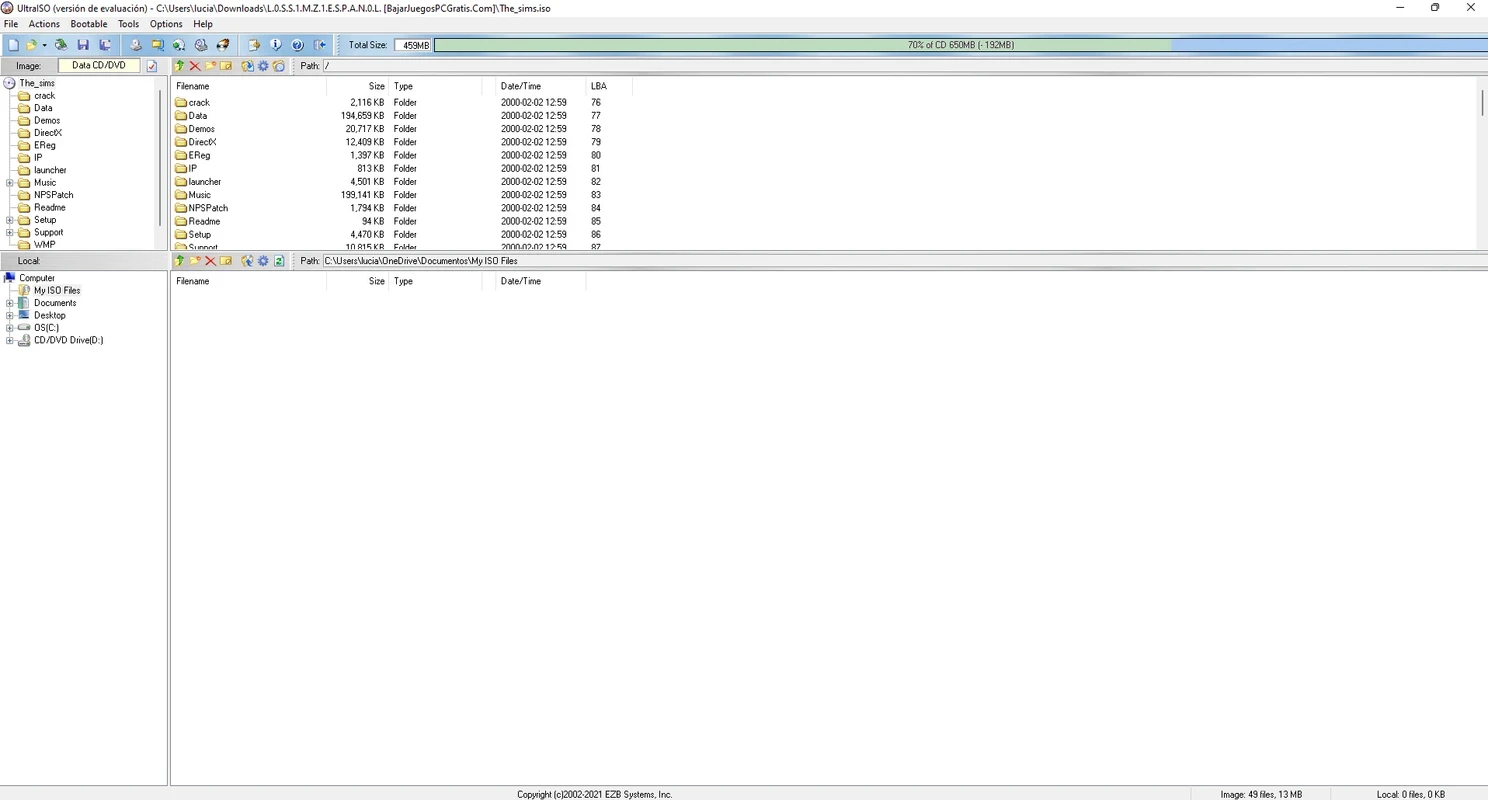
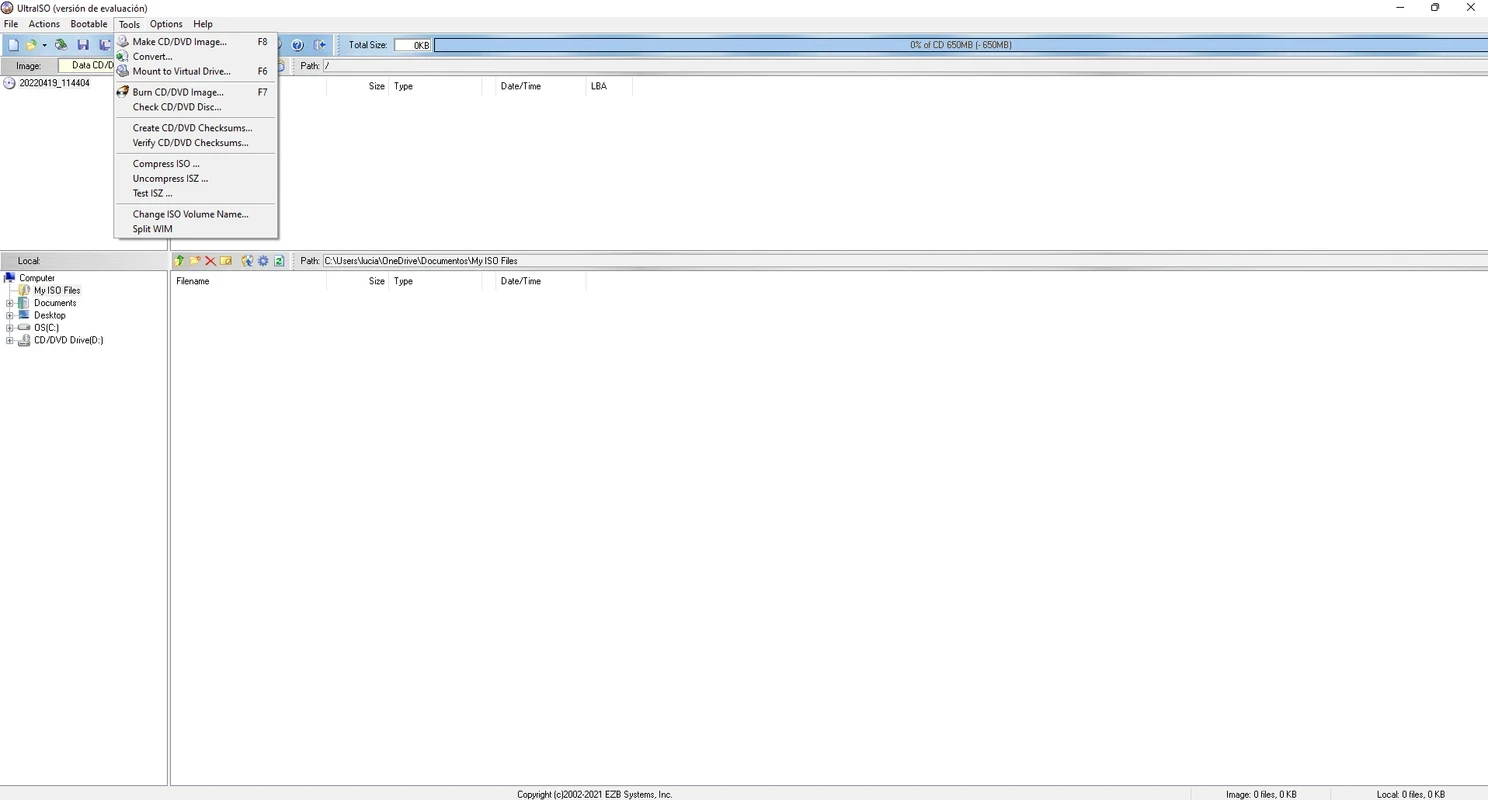
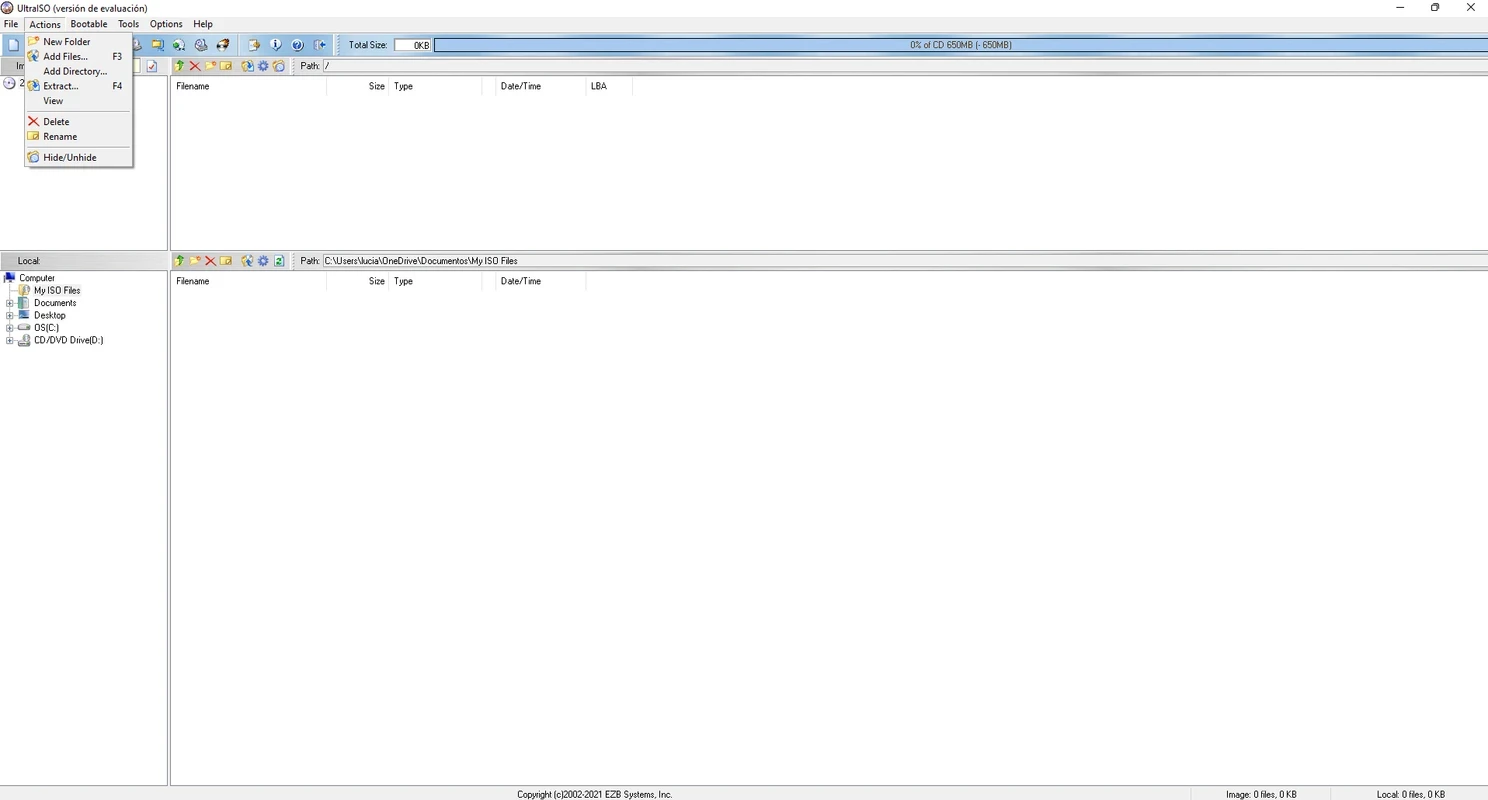
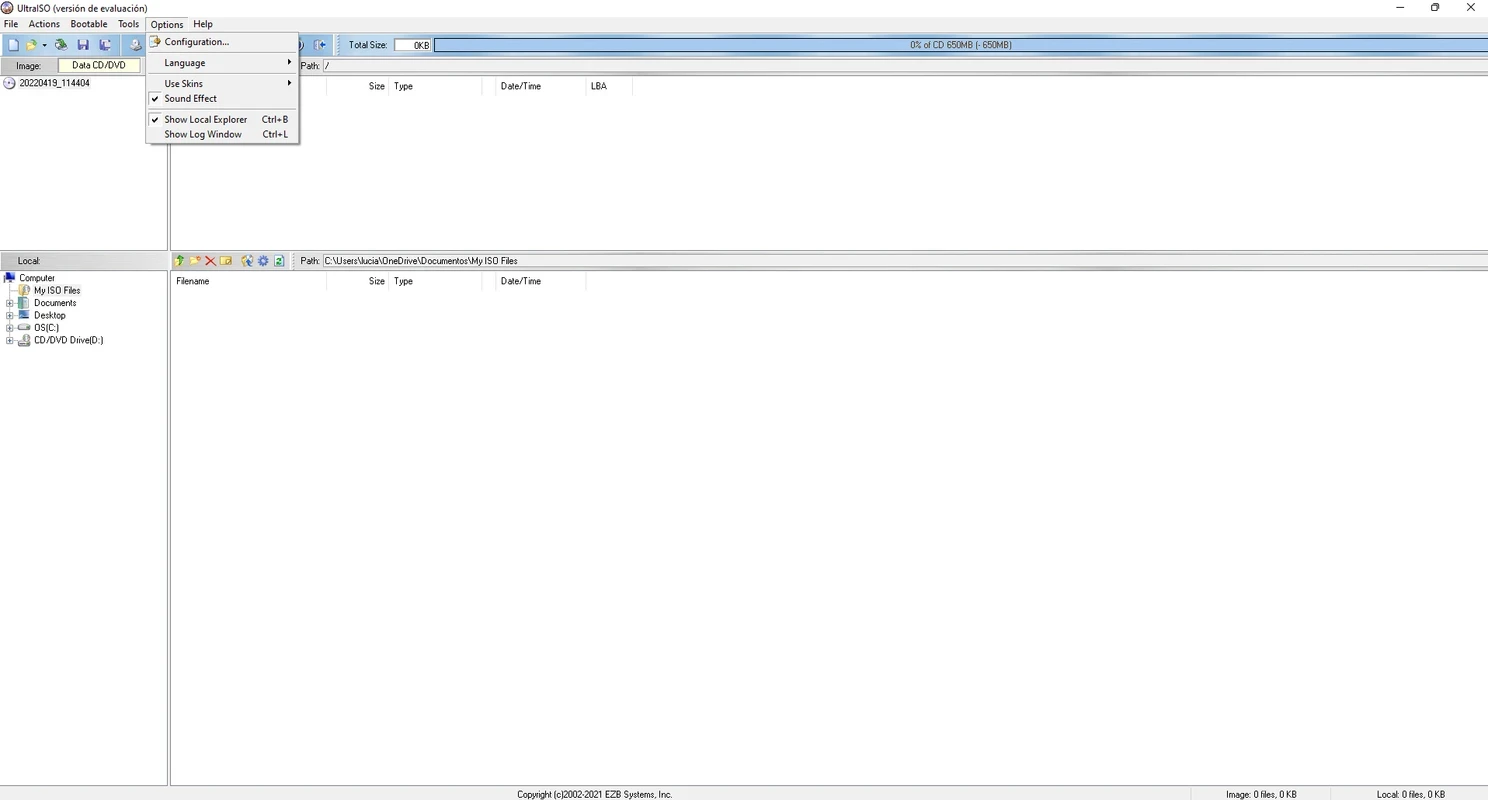
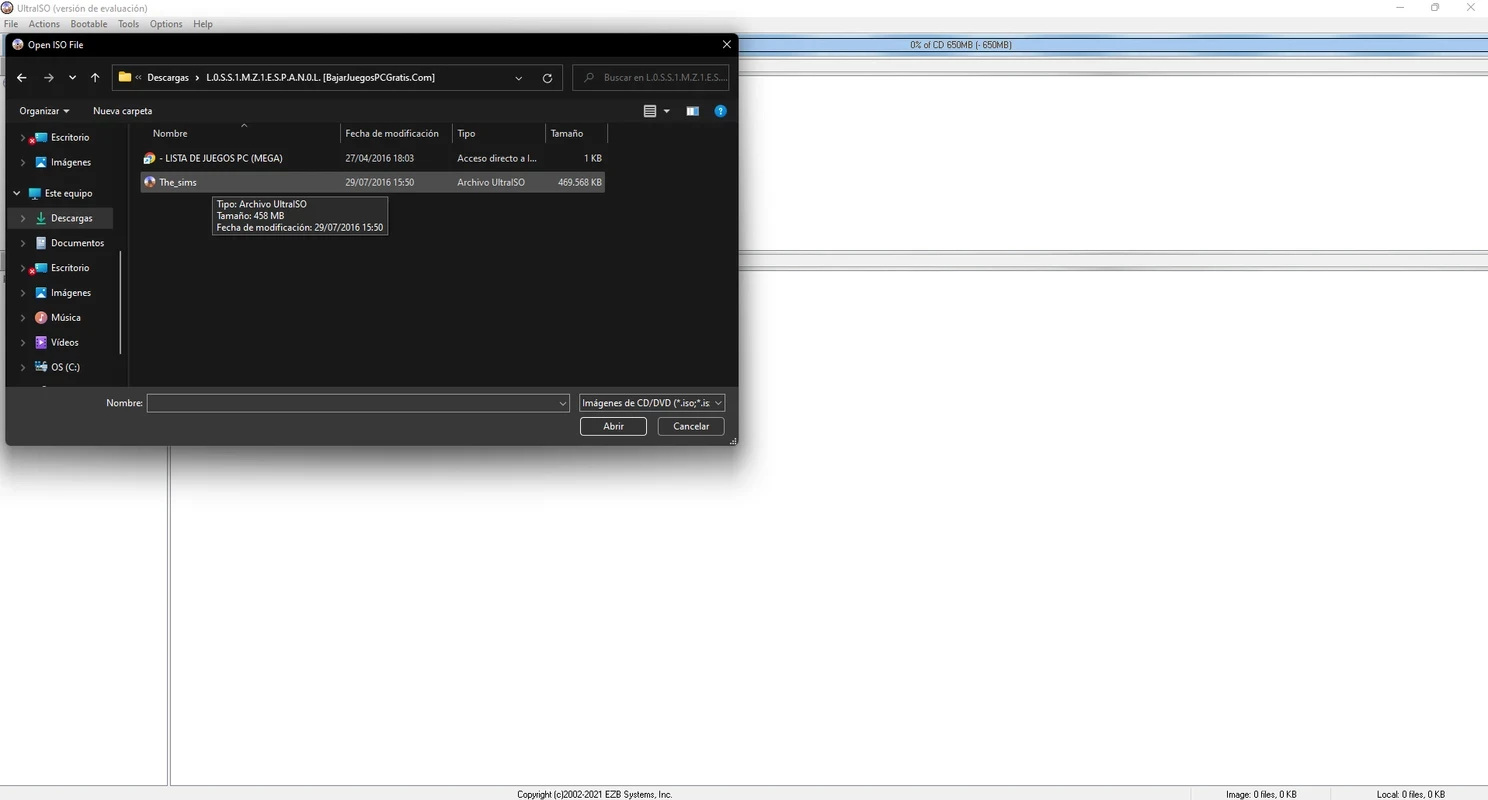
UltraISO 9.7.6.3860 is an optical disc image editor for Windows from EZB Systems. You download UltraISO to open an ISO file, change its contents without unpacking, convert other image formats to ISO, or write a bootable USB drive from a Windows or Linux image.
| Item | Details |
|---|---|
| Version | 9.7.6.3860 |
| Developer | EZB Systems |
| Licence | trial (demo), paid full version |
| Systems | Windows 10/8.1/8/7/Vista, Windows Server 2012/2008/2003, Windows XP/2000, ME, 98SE, 98, Windows NT4.0 SP6a+ |
| Memory | 64MB |
| Disk space | at least 10MB |
| Formats | ISO, ISZ, DMG, DAA, UIF and others |
| Size | about 4.89 MB according to catalogue data |
Disc images are still the standard way to distribute operating systems, recovery tools and old software. UltraISO lets you work with them as if they were folders. You open an image, see its file tree, and add, delete or rename files and folders directly inside it, then save the result as a new image. It can also build an image from files on your disk or from a physical CD or DVD, convert formats like ISZ, DMG, DAA and UIF into standard ISO, and mount images on a virtual drive. One of its most used functions is writing a bootable USB stick from an ISO, which is how many people install Windows on a PC without an optical drive. The program keeps the boot information of the image, so you can edit a bootable disc and it stays bootable. ISZ is the developer's own compressed image format.
UltraISO is shareware. The trial lets you try the functions, but saved images are limited in size; to remove the limit you buy a licence on the official website.
Keygens and cracked builds of UltraISO are common on warez sites and are a frequent source of malware. Writing an image to USB erases the drive, so check the selected disk twice. The version history lists fixes in each release.
Keep a copy of the original image before editing it, and test a modified bootable image in a virtual machine before writing it to USB.
For creating bootable USB drives, Rufus on our site is free and focused on that single task. Media Creation Tool is Microsoft's own utility for downloading Windows and writing it to a USB stick.
Google Play is Google's digital distribution platform. On Windows, Google offers Play content through the browser and Google Play Games on PC.

Media Creation Tool is a free Microsoft utility that downloads Windows and turns it into a bootable USB flash drive or an ISO file.

LDPlayer is an Android emulator for Windows that runs mobile apps and games on a computer.

BlueStacks is an Android emulator for Windows that lets you run Android apps and games on your PC.
Rufus is a free Windows utility that turns a USB stick into a bootable installer. The current version is 4.15.

PC App Store is a free software store for Windows from Baidu for finding, installing and updating PC programs. This page covers version 5.0.1.8682.

Uptodown App Store for Windows is the desktop client of Uptodown, a marketplace for desktop software and mobile apps. This page covers version 1.0.3.

NoxPlayer is a free Android emulator from Bignox for Windows and macOS that runs mobile games and apps on a computer with keyboard and mouse control.